General
The SDK configuration is a data class that contains all the information required to launch the SDK. For launch details, see the API section of this documentation.
Configuration example
In the SelfieCaptureConfiguration, there are several parameters that can be adjusted to customize your experience.
All these parameters are nested within the main setup configuration object.
This object centralizes the customization of the SDK’s behavior and appearance, allowing you to adjust multiple aspects of the flow from a single place.
{
    "medias": "not part of this section; see customization",
    "texts": "not part of this section; see customization",
    "styles": "not part of this section; see customization",
    "setup": {
      "language": "es",
      "uiOrientation": "landscape",
      "liveness": "passive",
      "challengeToken": "",
      "logoShow": true,
      "closeButtonShow": true,
      "instructionsShow": true,
      "reviewShow": false,
      "selectCamera": "front",
      "detectionTimeout": 300000,
      "helpModalShow": true,
      "captureHeadingShow": true
    }
}
| Parameter | Description | Default Value | Possible Values |
|---|---|---|---|
| language | Text default values language | browser | ES, EN or browser |
| uiOrientation | Determines the selected rotation | landscape, portrait | |
| liveness | Determines whether the selfie flow is active or passive | passive | passive or active |
| challengeToken | Valid token for active flow | - | string |
| logoShow | Displays the header with the logo if set to true | true | true or false |
| closeButtonShow | Displays the close button if set to true | true | true or false |
| instructionsShow | Displays the instructions view if set to true | true | true or false |
| reviewShow | Displays the review view if set to true | false | true or false |
| selectCamera | Chooses which camera to use in the flow | front | front or back |
| detectionTimeout | Time in ms before recording stops and SDK shuts down | 300000 | 60000 to 300000 |
| helpModalShow | Displays the help button in capture views if set to true | true | true or false |
| captureHeadingShow | Displays the heading texts in capture views if set to true | true | true or false |
Validation
The SDK internally validates the configuration received, following this process:
- Those properties not inserted in the config will take the default values.
- Each filled property will have its type validated.
- Each filled property will be compared to allowed values.
If these checks fail, the SDK finishes through onSelfieCaptureFinished(error:) with SelfieCaptureError.configValidationError.
language
The SDK can load default texts using the system language (browser) or a fixed language (en, es).
"setup": {
  "language": "es"
}
uiOrientation
This setting forces the selfie capture flow to run in the selected orientation.
If the option is set to landscape, the SDK will only work in landscape mode.
"setup": {
  "uiOrientation": "landscape"
}
liveness
This parameter specifies whether the process is passive or active:
passive: selfie capture flow.active: head movement challenge flow.
active requires challengeToken.
"setup": {
  "liveness": "active"
}
challengeToken
Required in active liveness mode. It defines the movement challenge sequence.
"setup": {
  "challengeToken": "your-jwt-token"
}
logoShow
Show or hide the header logo on all screens.
"setup": {
  "logoShow": false
}
| Default Configuration | Custom Configuration |
|---|---|
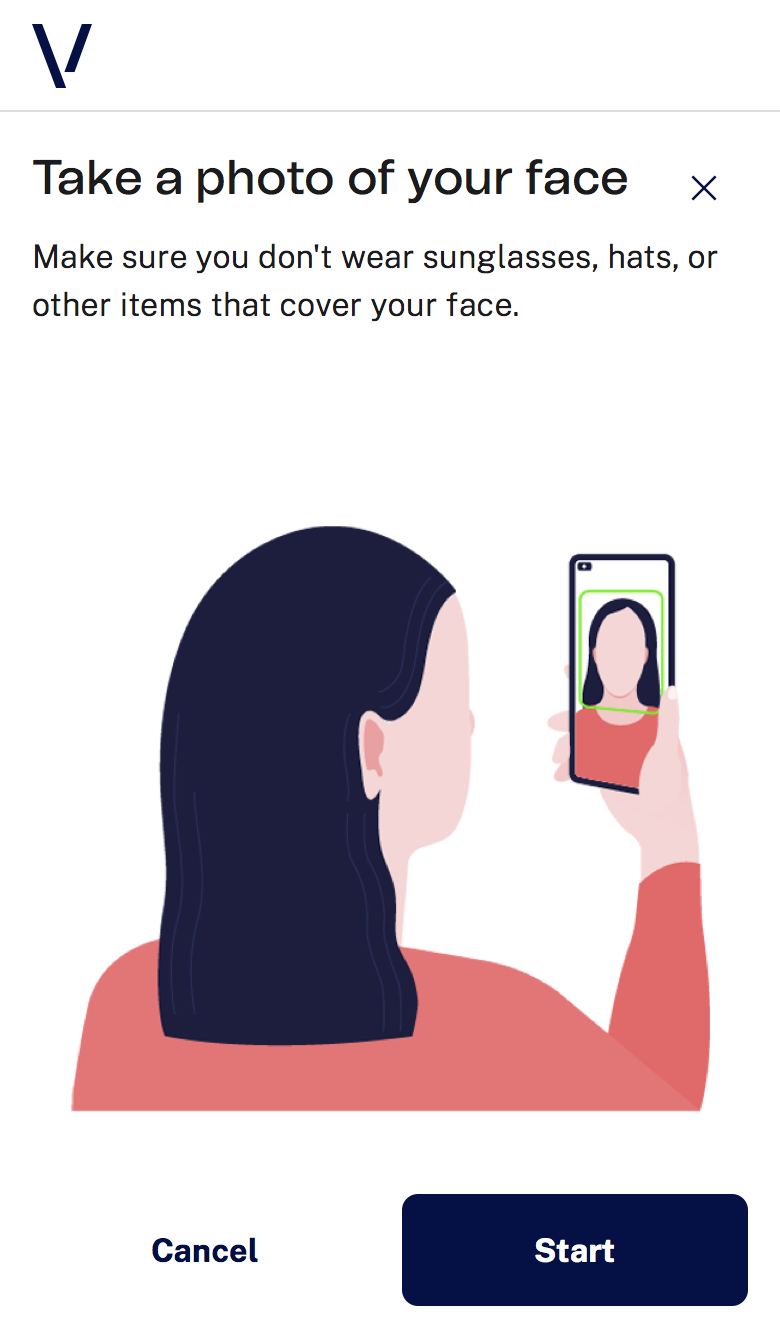 |
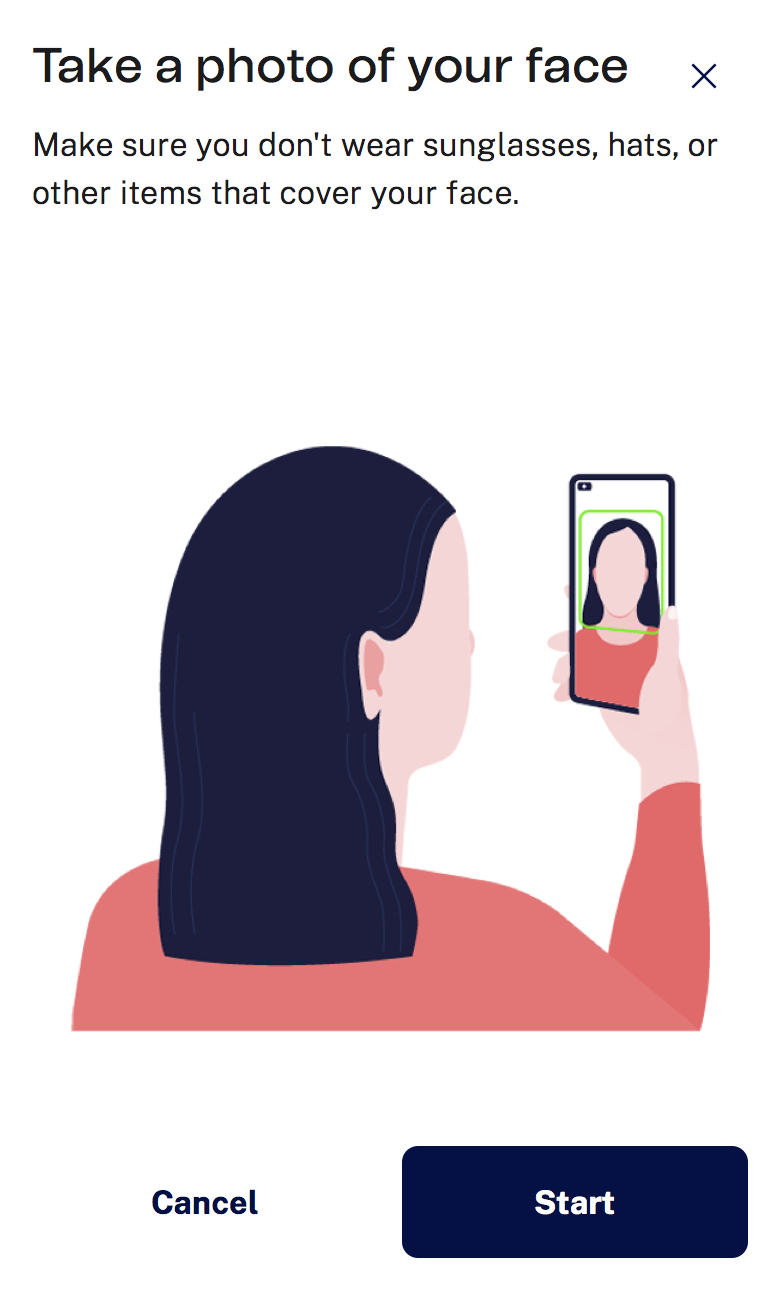 |
closeButtonShow
Show or hide the close button globally.
"setup": {
  "closeButtonShow": false
}
| Default Configuration | Custom Configuration |
|---|---|
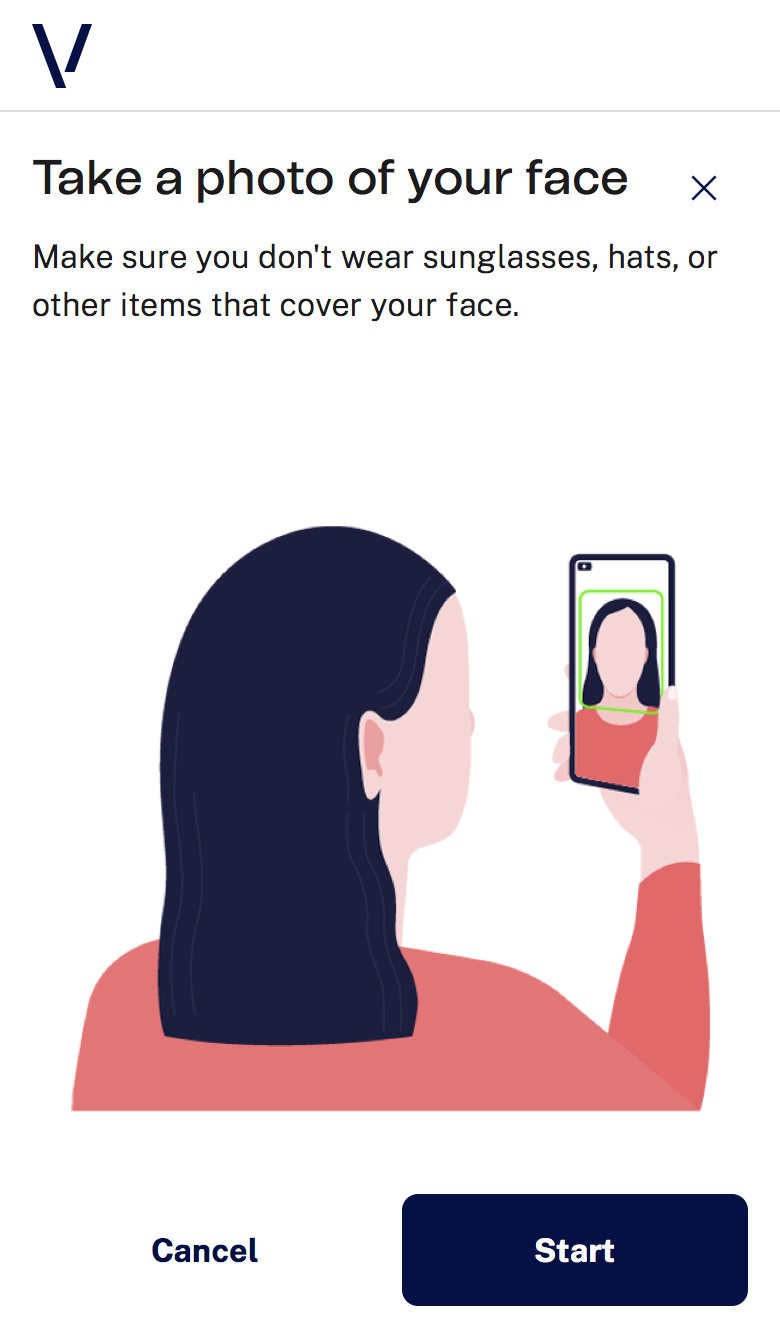 |
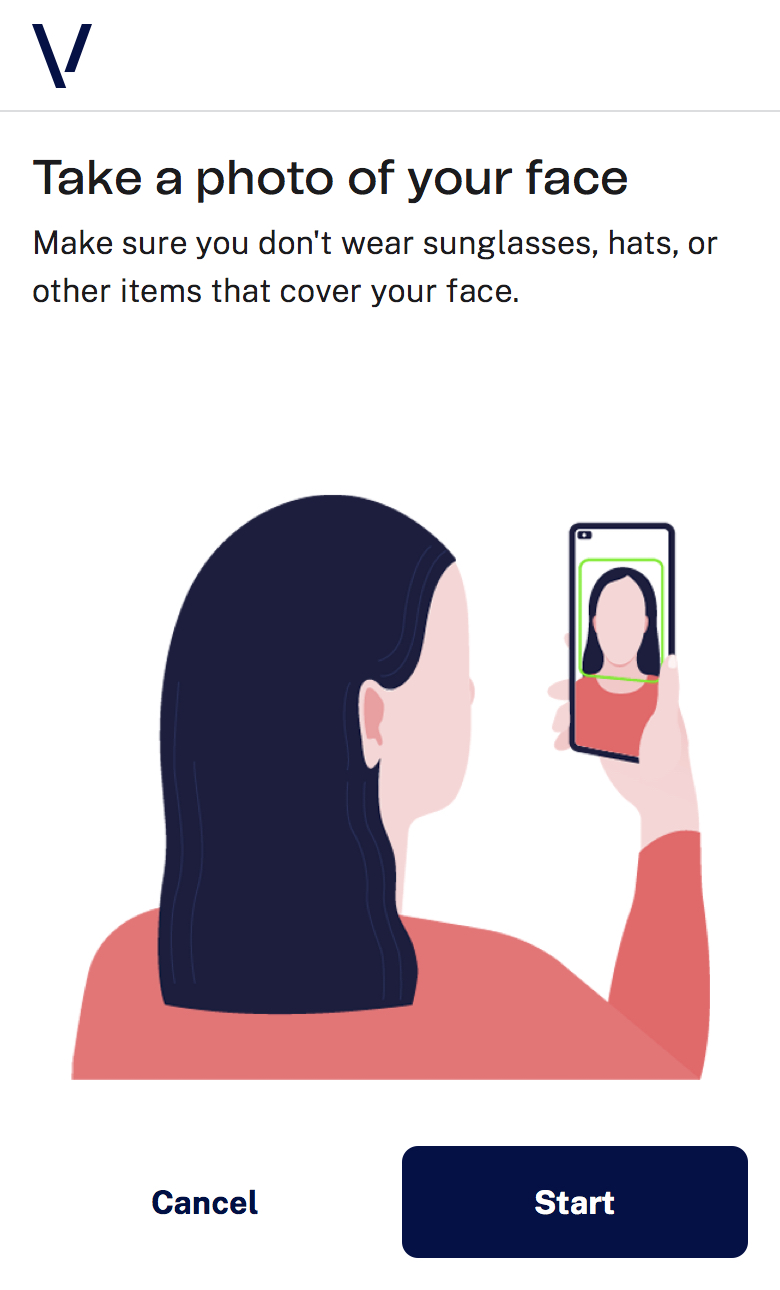 |
instructionsShow
Enable or disable tutorial/instructions before capture.
"setup": {
  "instructionsShow": false
}
| Screen | Mobile |
|---|---|
| Instructions Passive | 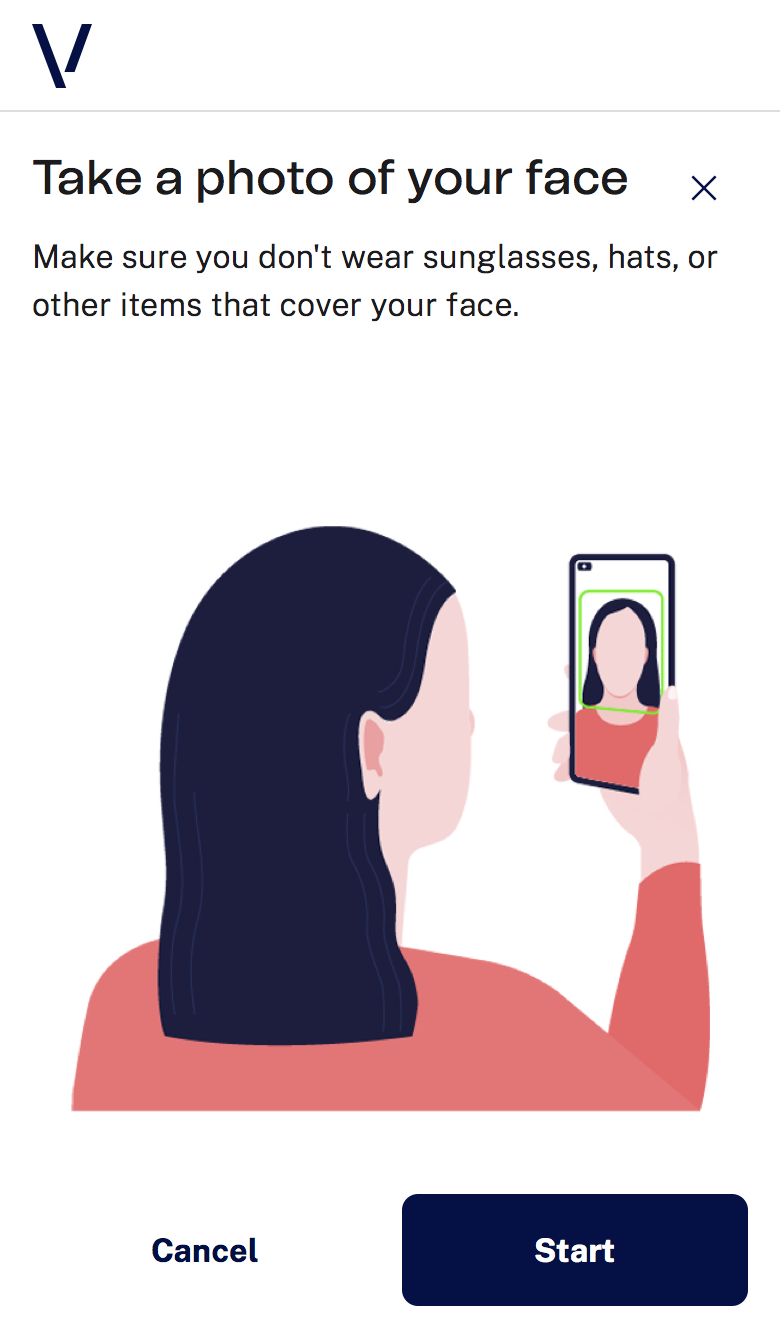 |
| Instructions Active | 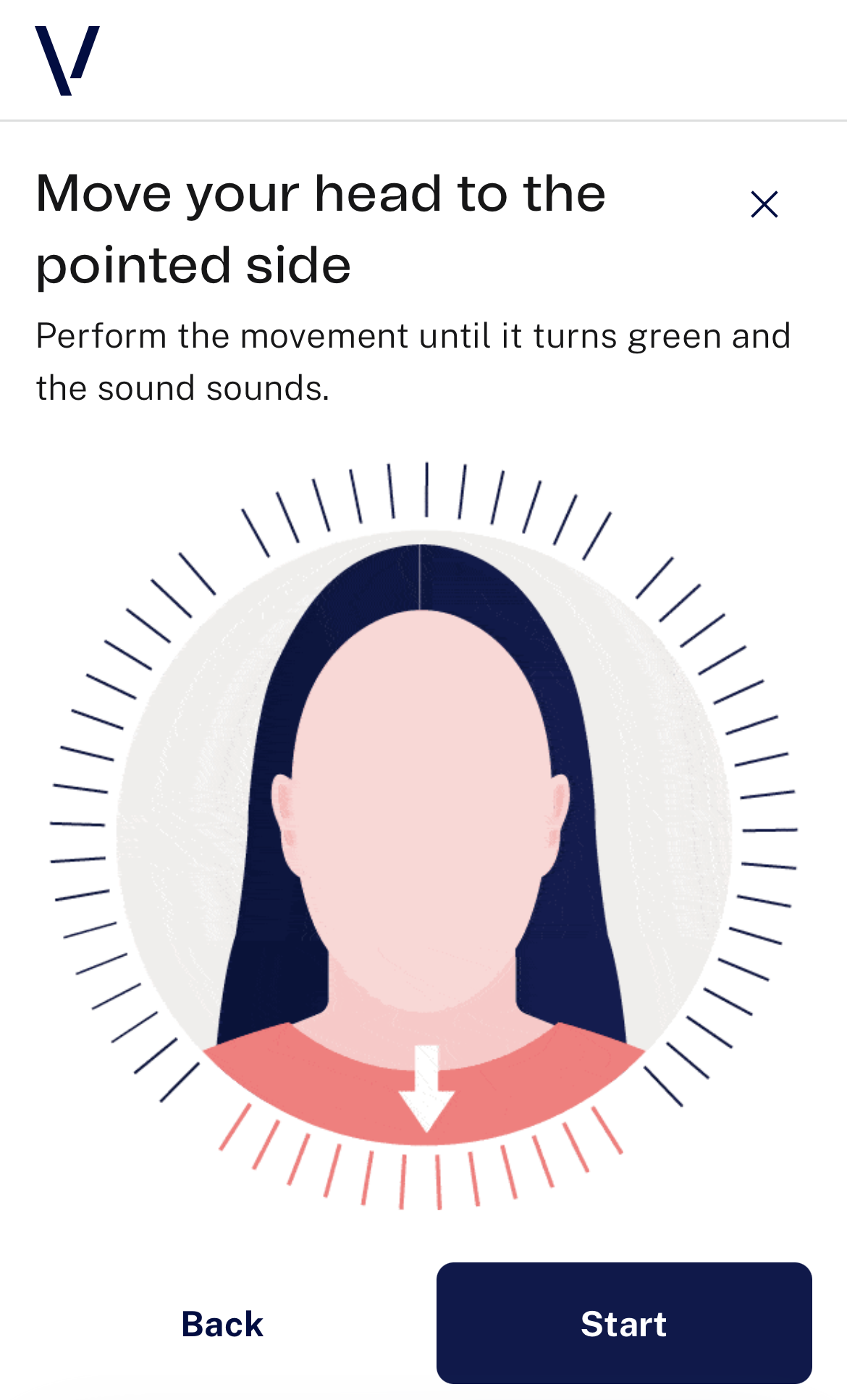 |
reviewShow
Enable or disable review screen (passive flow only).
"setup": {
  "reviewShow": true
}
| Screen | Mobile |
|---|---|
| Review | 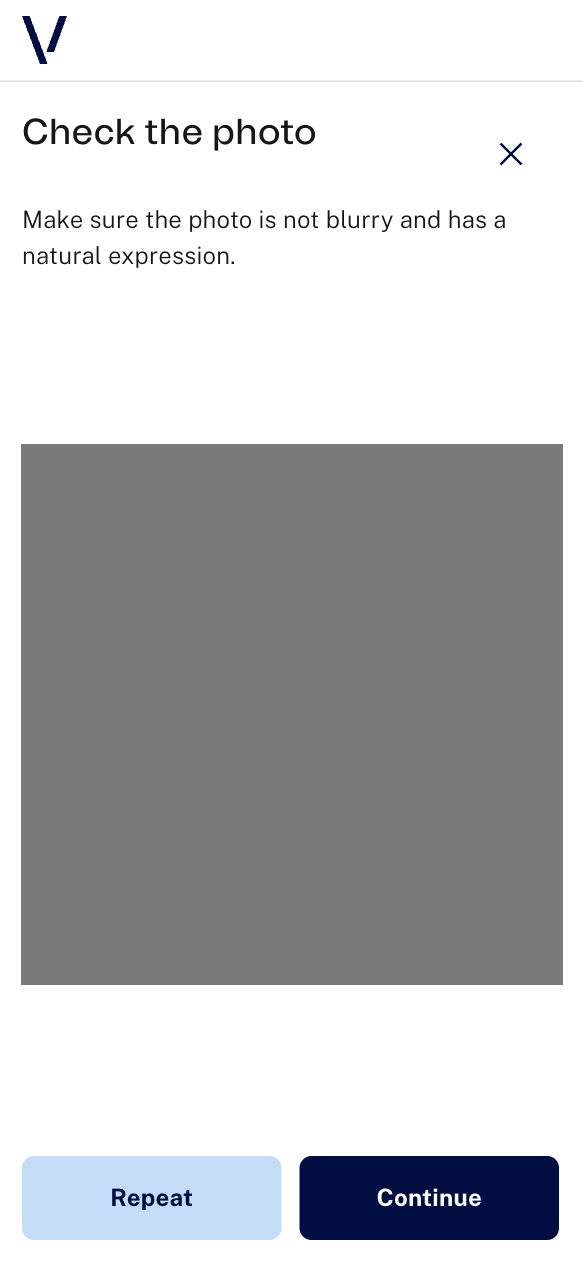 |
selectCamera
Default is front camera. back should be used only in exceptional assisted scenarios.
Note: in active mode, back is not valid.
"setup": {
  "selectCamera": "front"
}
detectionTimeout
Defines how long (in milliseconds) the SDK waits before stopping and finishing the process.
Accepted range: 60,000 to 300,000 ms.
"setup": {
  "detectionTimeout": 70000
}
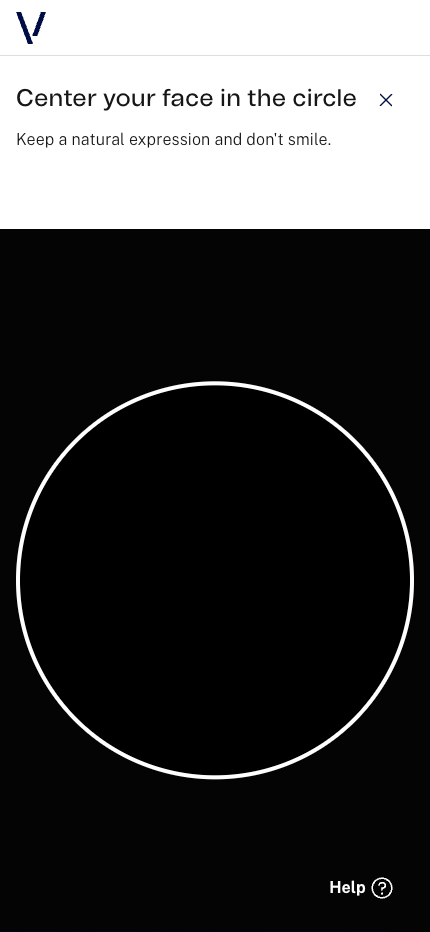
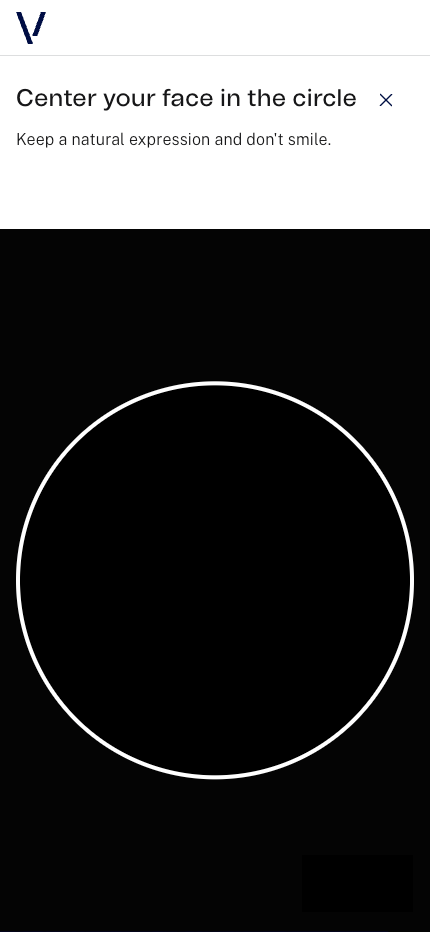
helpModalShow
Show or hide help button in capture screens.
"setup": {
  "helpModalShow": false
}
| Default Configuration | Custom Configuration |
|---|---|
 |
 |
captureHeadingShow
Show or hide heading texts in capture screens.
"setup": {
  "captureHeadingShow": false
}
| Screen | Mobile |
|---|---|
| Capture Passive | 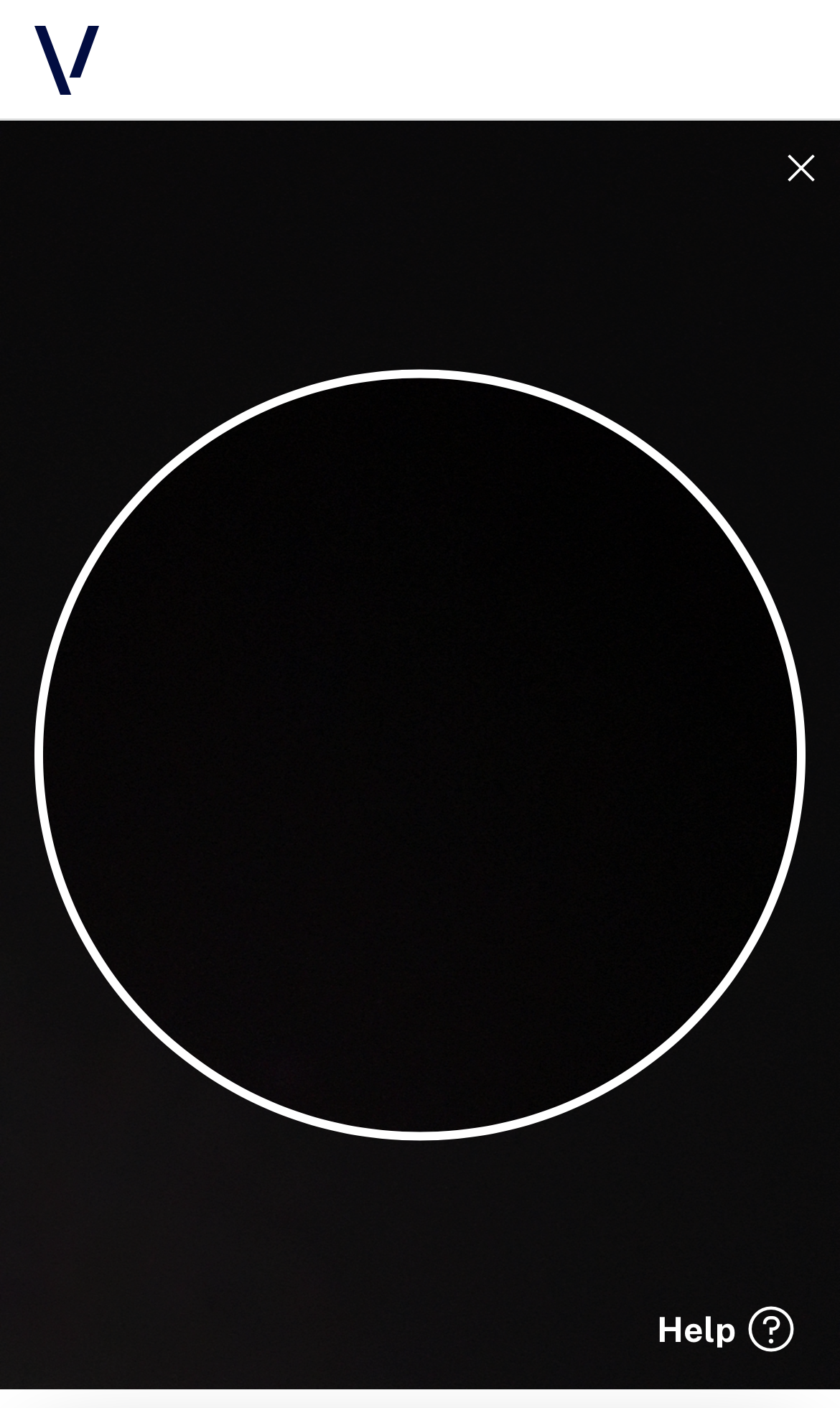 |
| Capture Active | 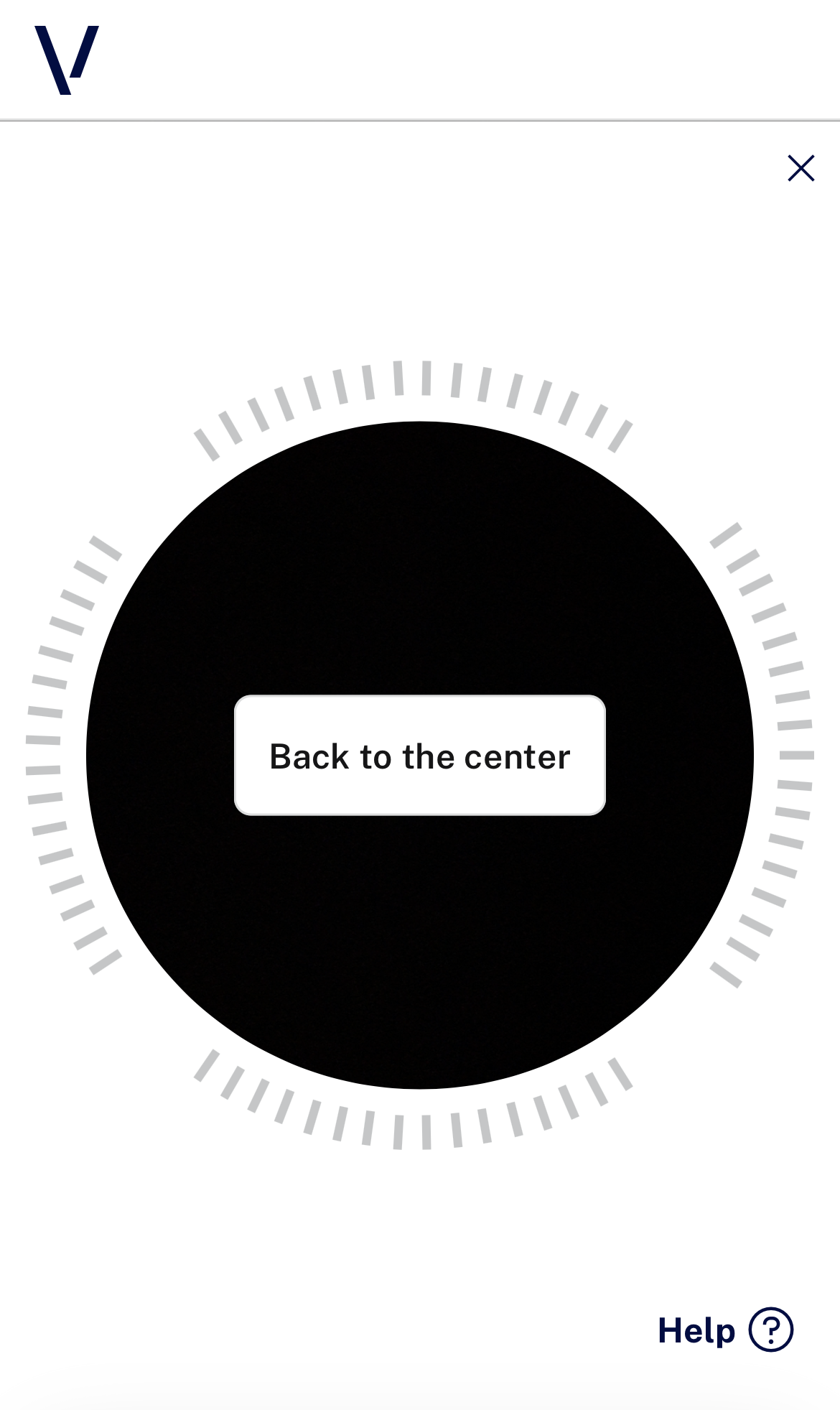 |