Component views
Below are all the screens that are part of the Xpressid flows.
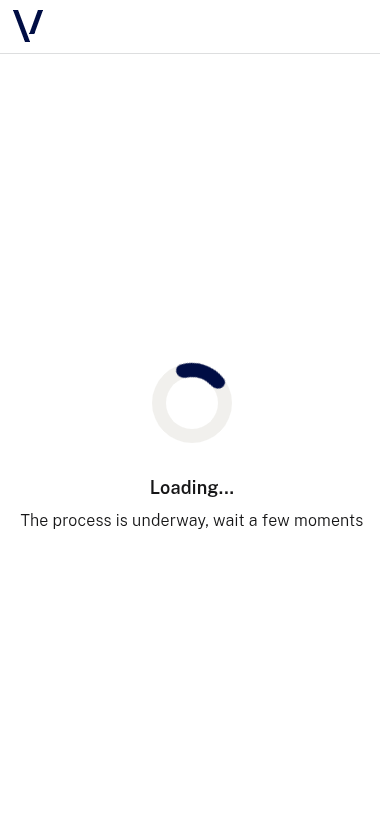
Loading
| Screen |
 |
Document
Autoclassification selector
Multiple documents with generic passport
To see this view, you can use this JSON example
| Screen |
 |
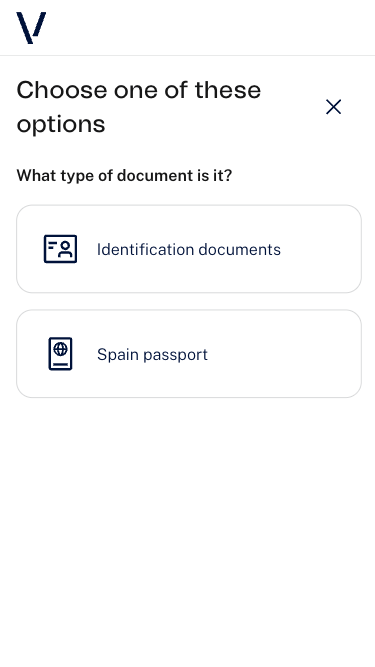
Multiple documents with specific passport
To see this view, you can use this JSON example
| Screen |
 |
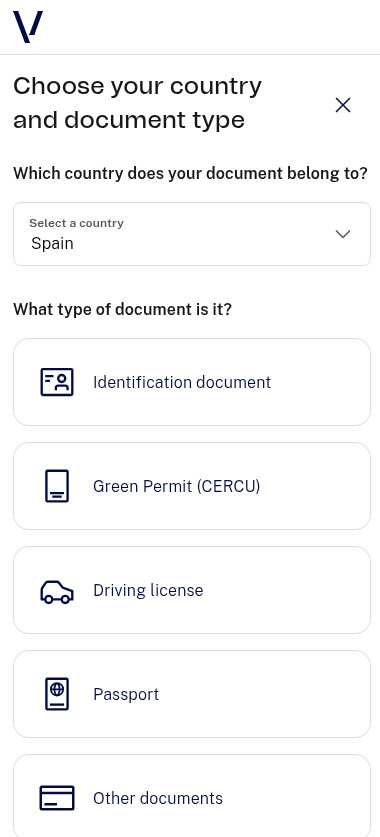
Document and country selector
| Screen |
 |
Document capture
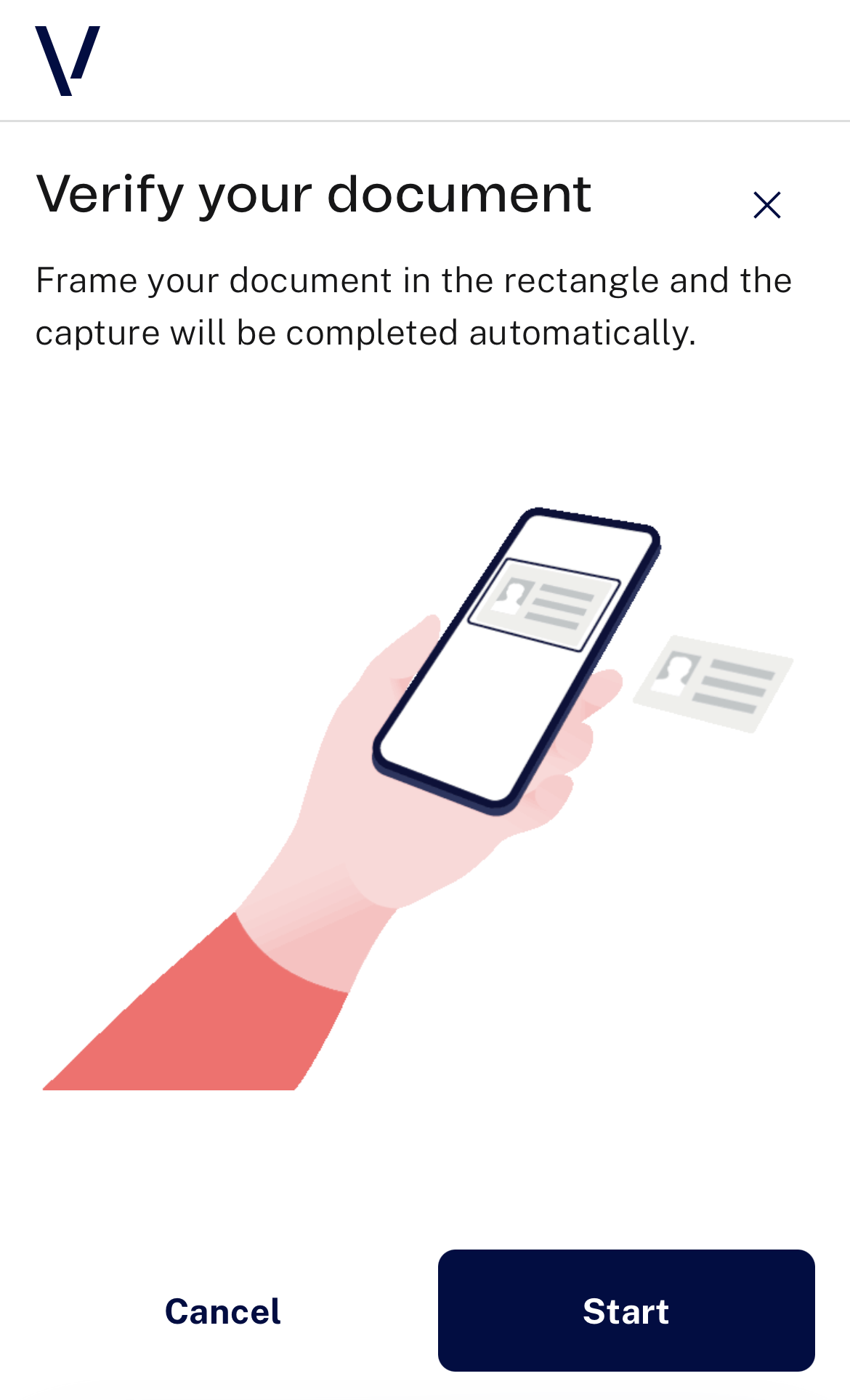
Document capture obverse instructions
| Screen |
 |
Document capture reverse instructions
| Screen |
 |
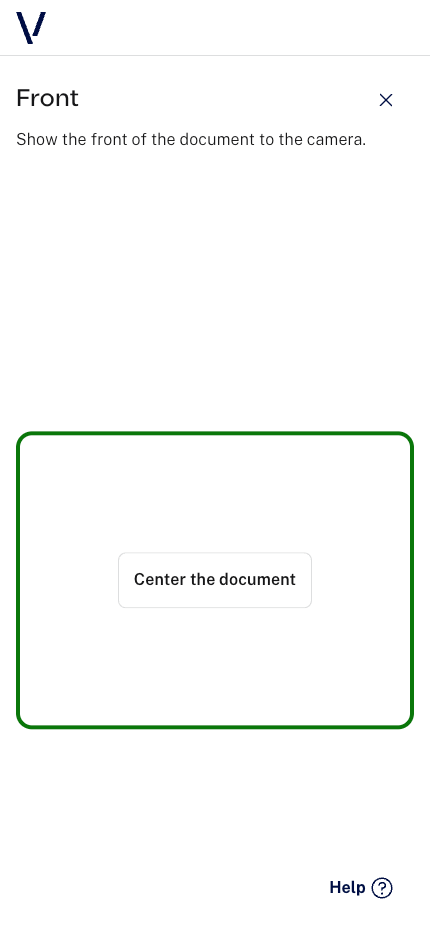
Document obverse capture
| Screen |
 |
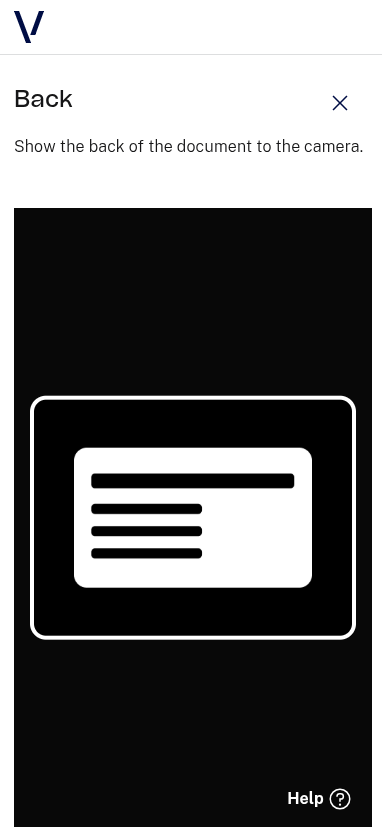
Document reverse capture
| Screen |
 |
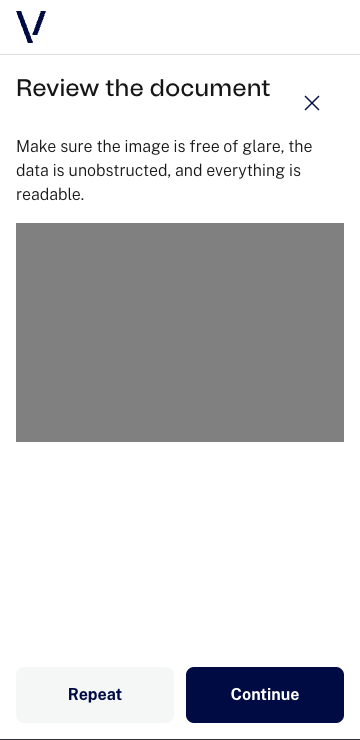
Document capture review
| Screen |
 |
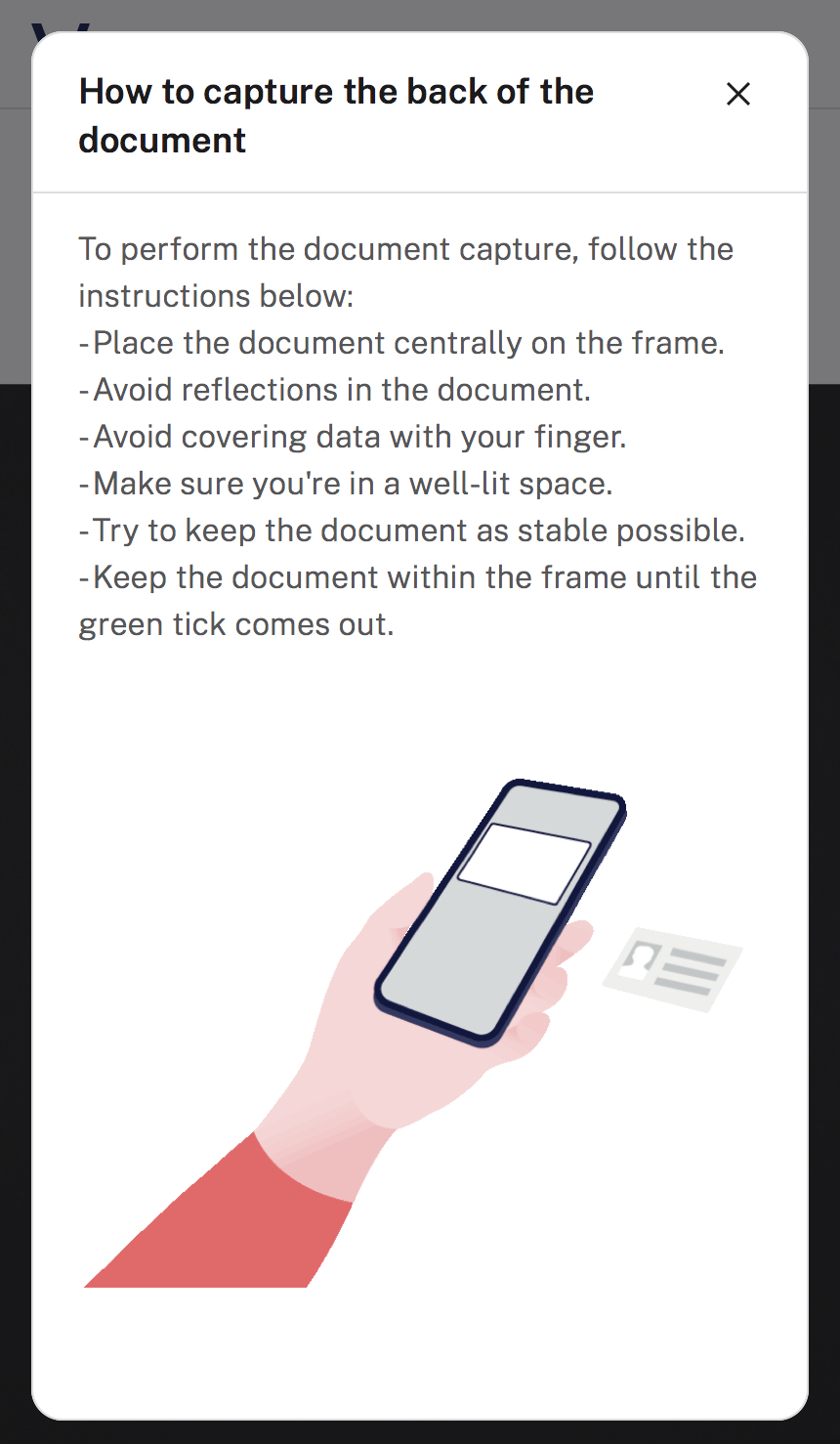
Document modals
Help
| Screen |
 |
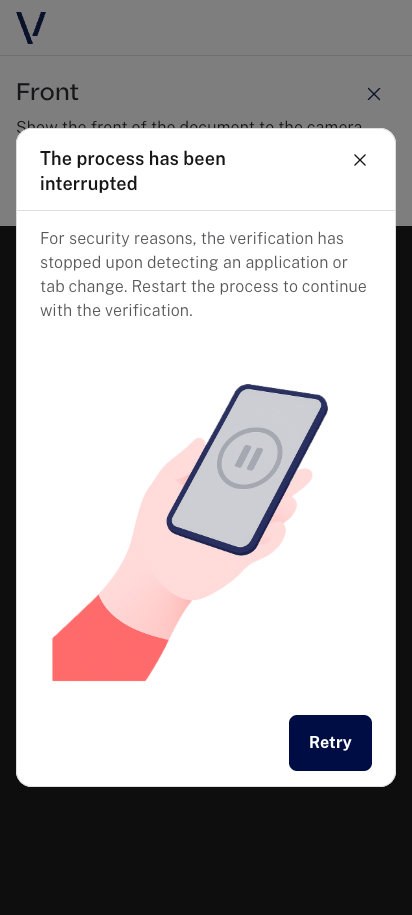
Document focus error
| Screen |
 |
Selfie
Selfie passive
Selfie passive instructions
| Screen |
 |
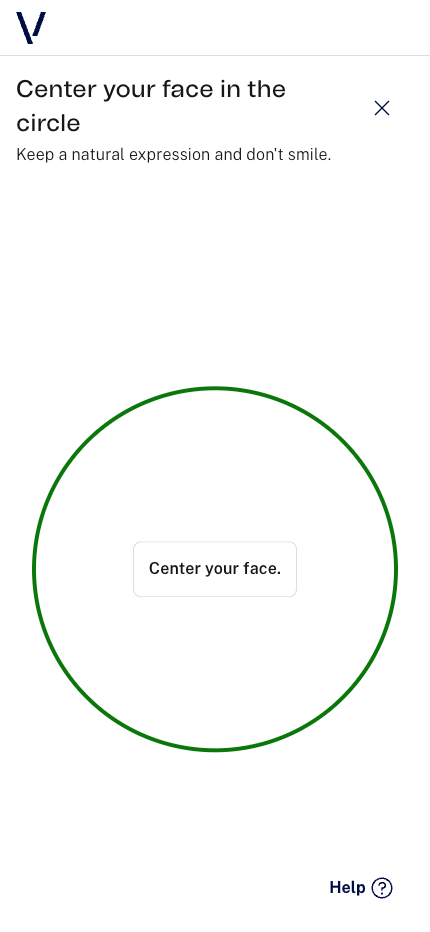
Selfie passive capture
| Screen |
 |
Selfie passive modals
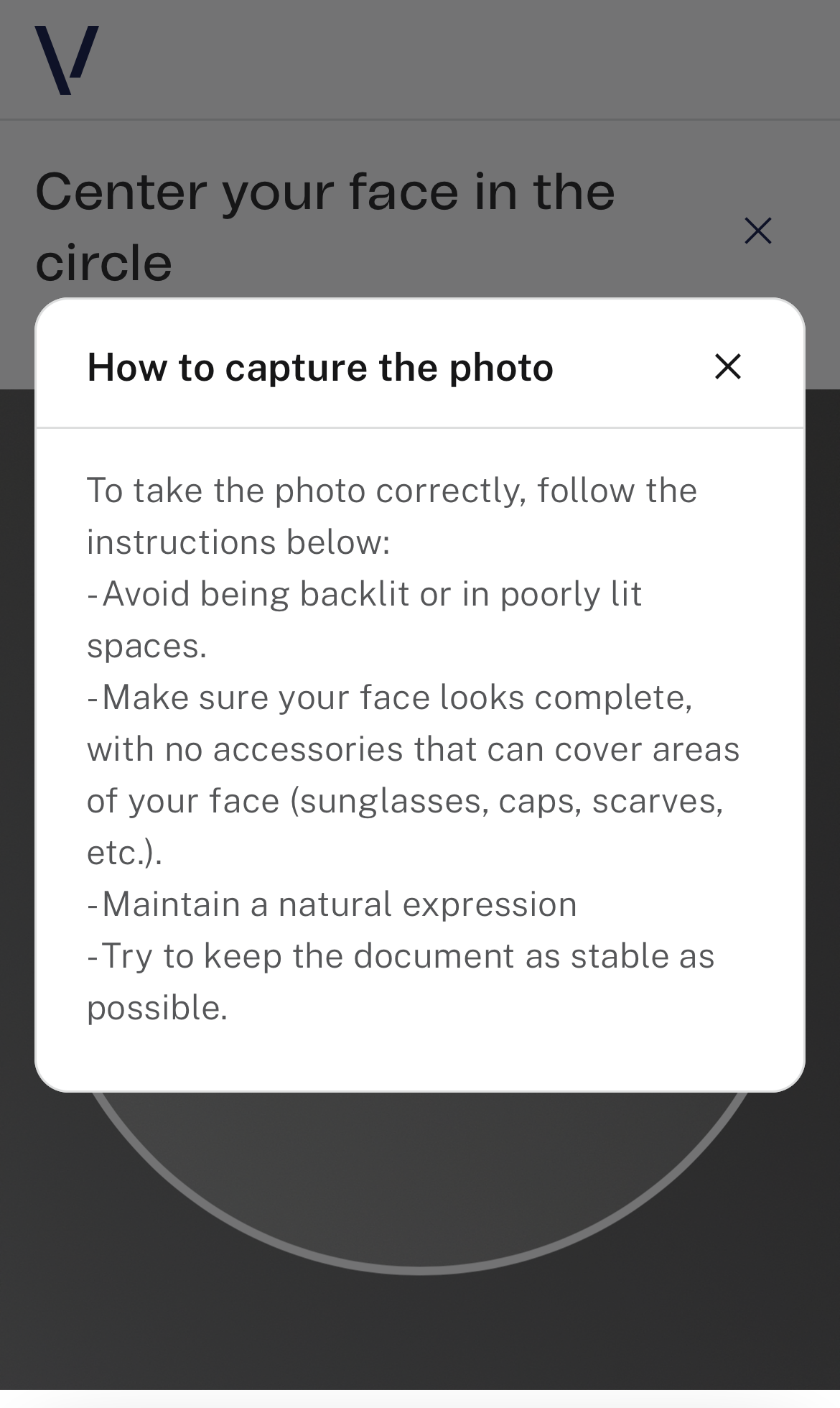
Help
| Screen |
 |
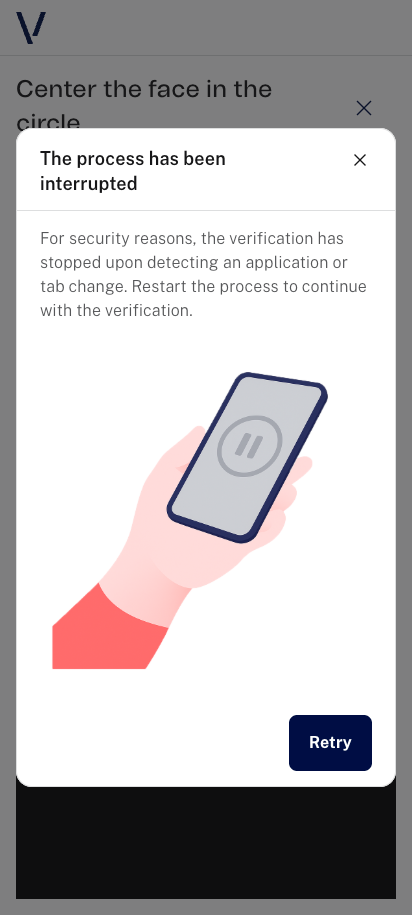
Selfie passive focus error
| Screen |
 |
Selfie active
Selfie active instructions
| Screen |
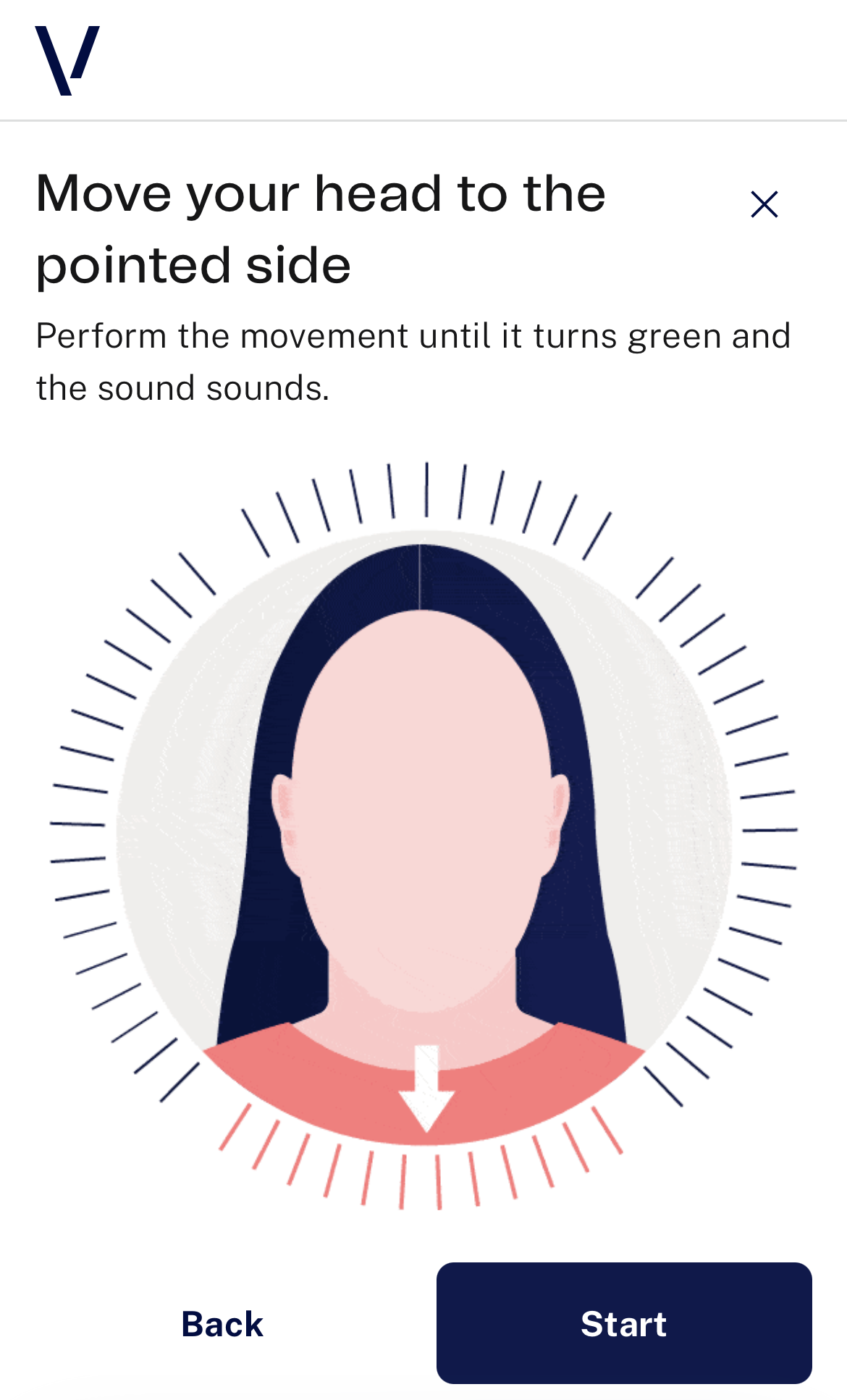 |
Selfie active capture
| Screen |
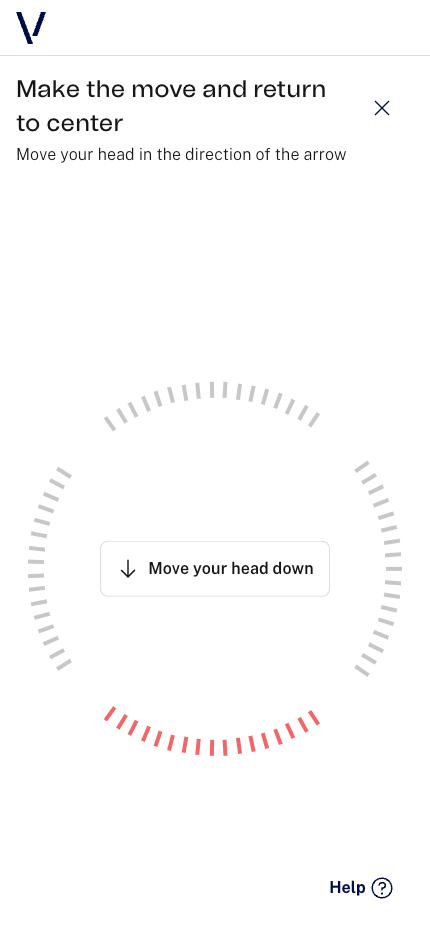 |
Selfie capture review
| Screen |
 |
Selfie active modals
Help
| Screen |
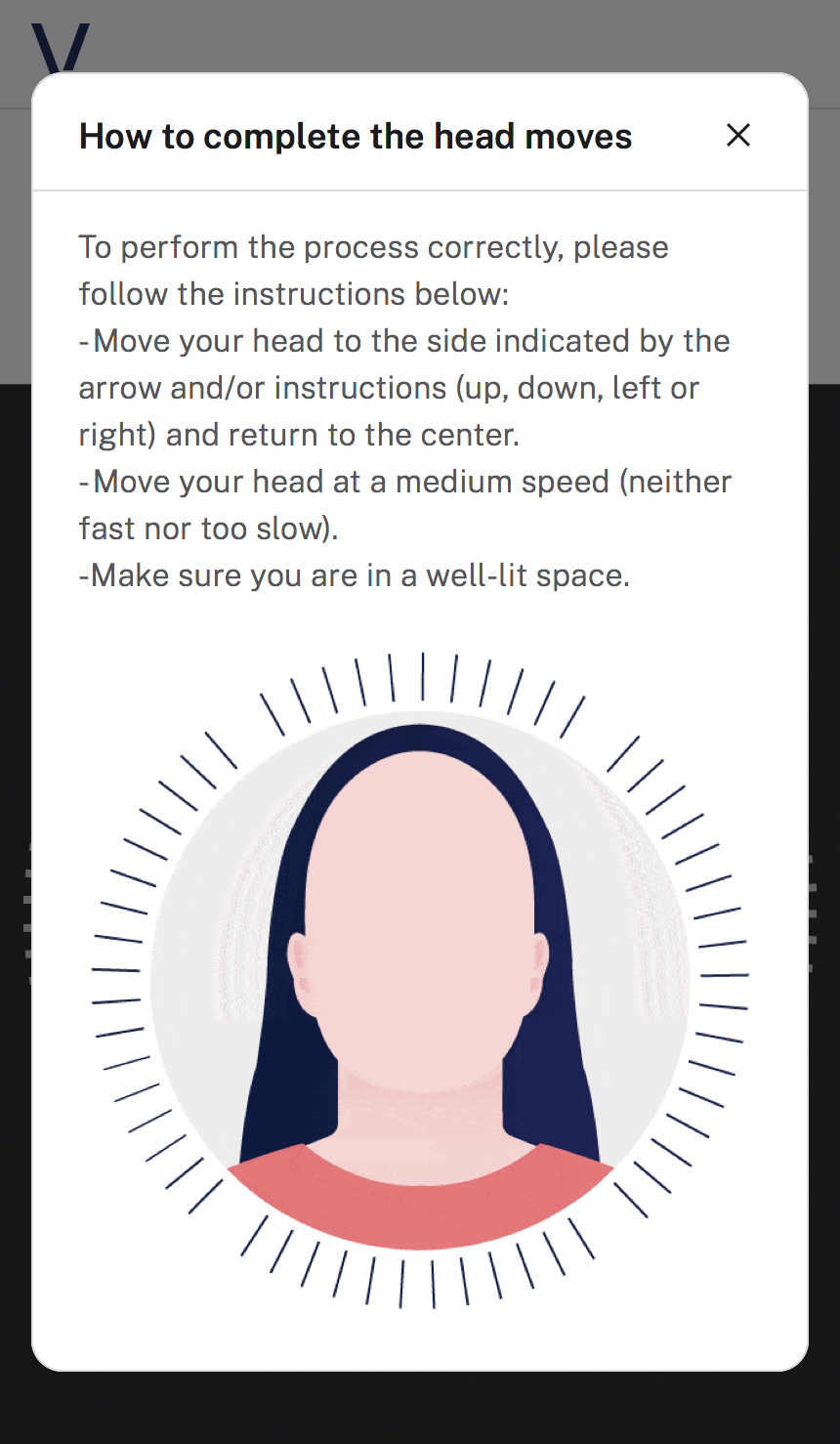 |
No movement detected
| Screen |
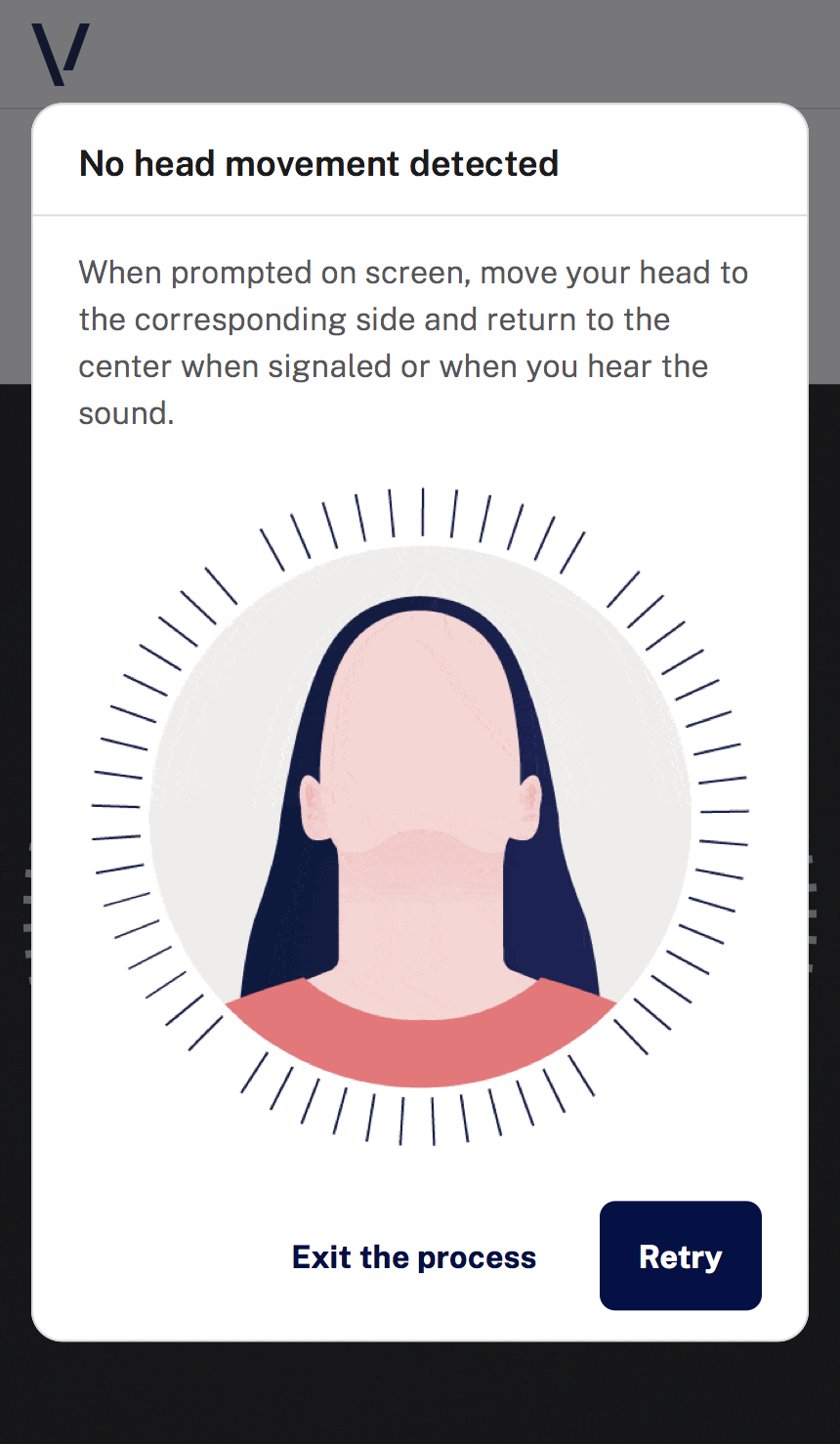 |
Wrong movement
| Screen |
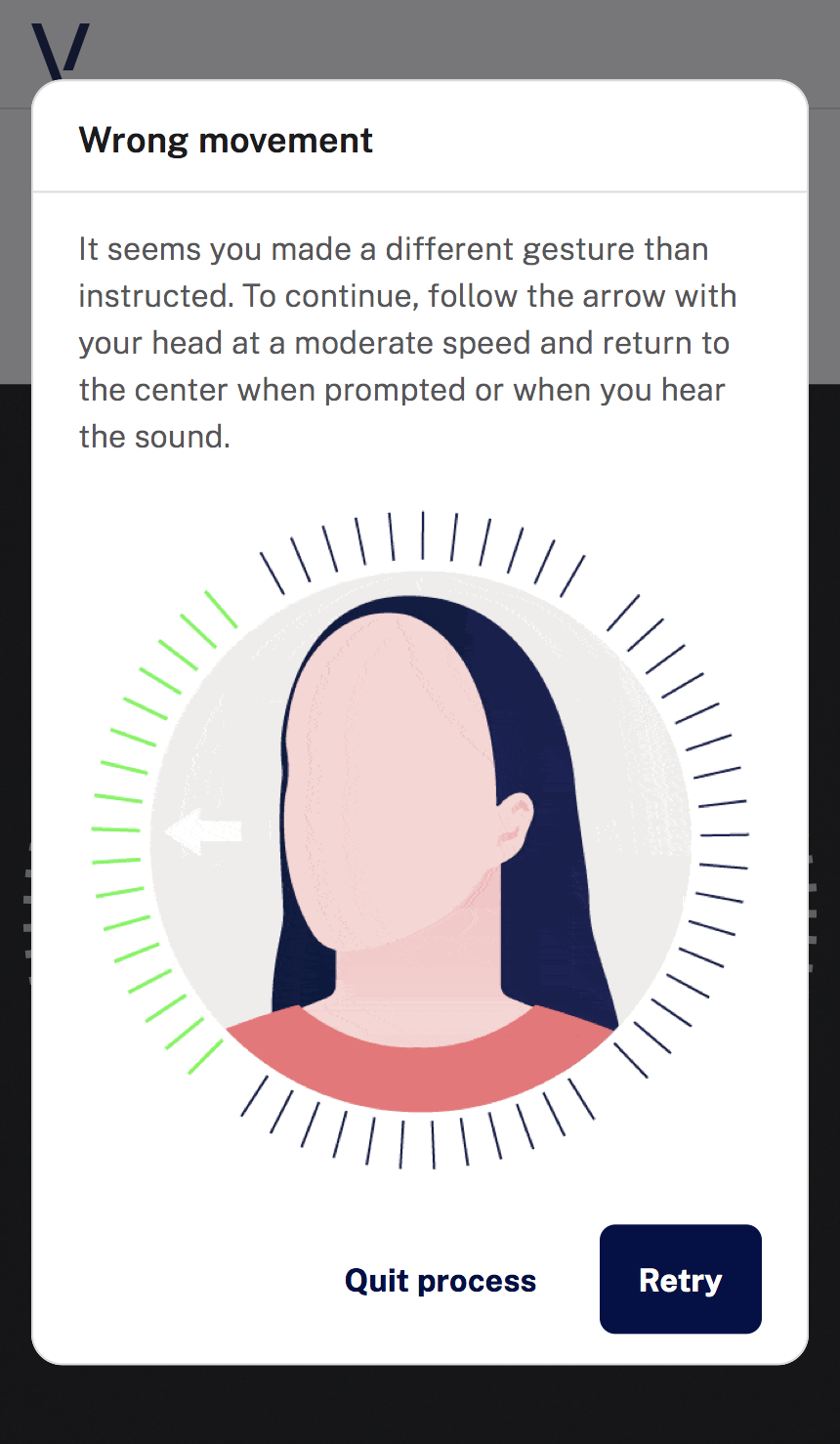 |
Selfie active focus error
| Screen |
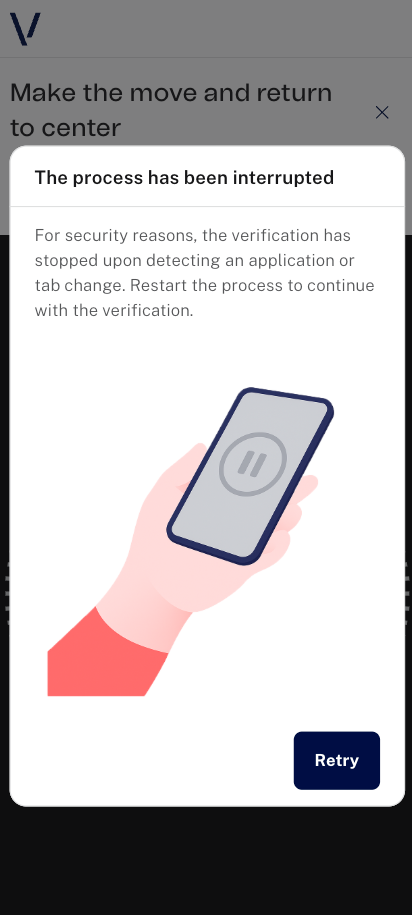 |
Video
Video selfie capture instructions
| Screen |
 |
Video document capture instructions
| Screen |
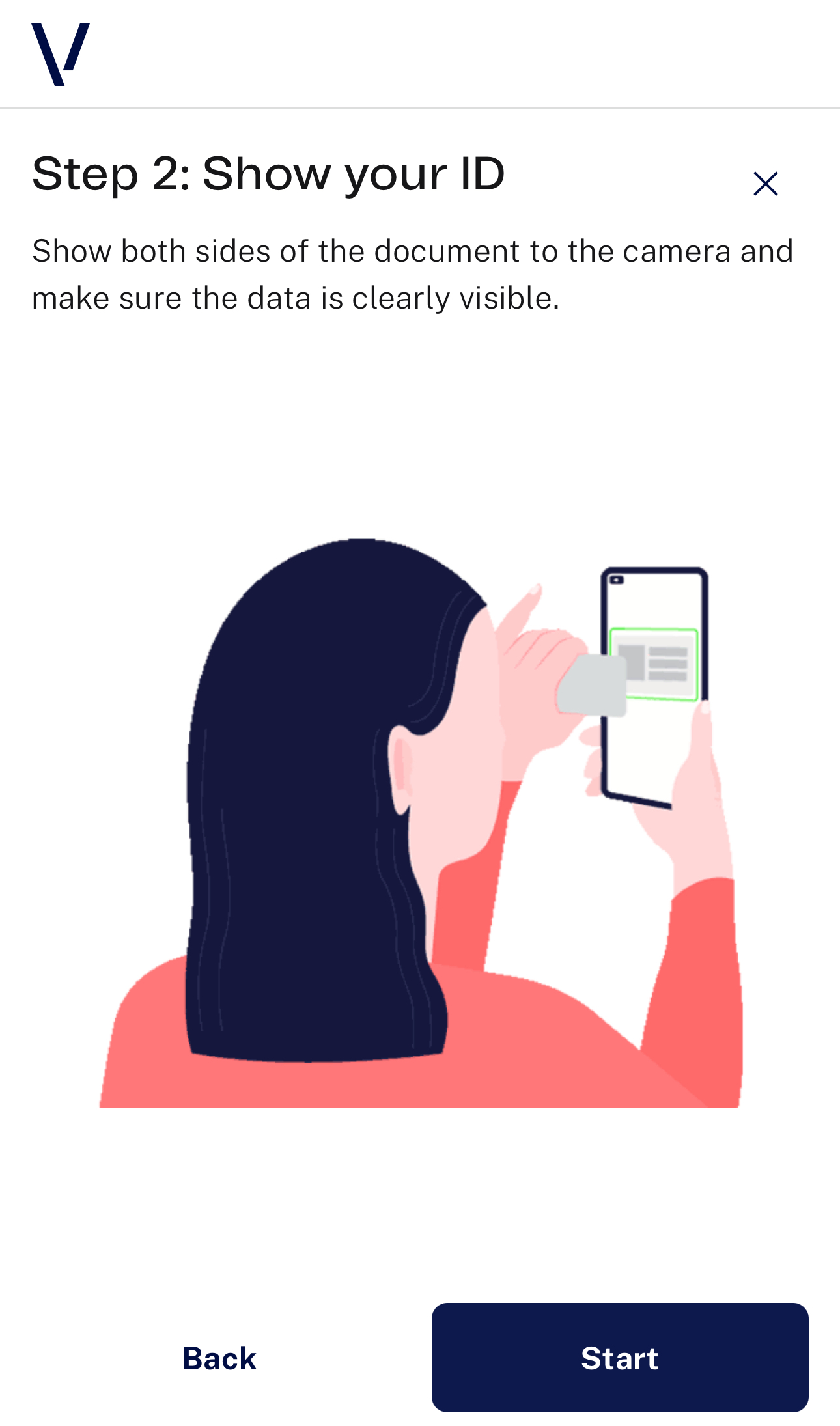 |
Video selfie capture
| Screen |
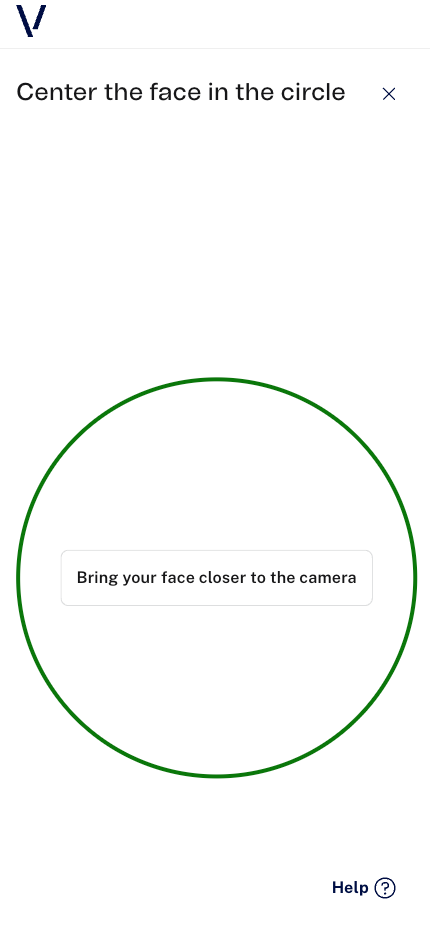 |
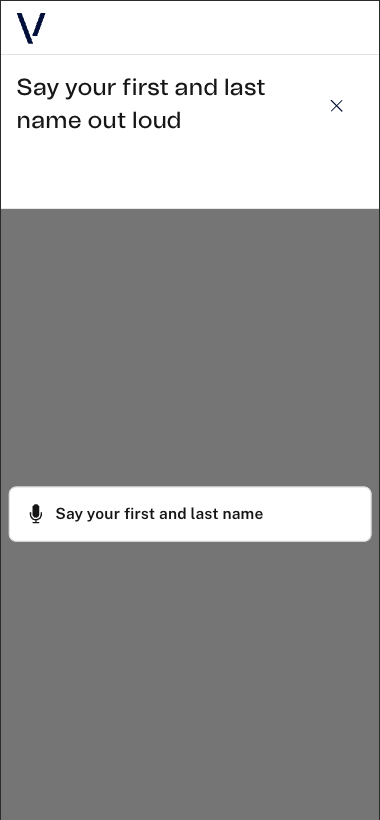
Video name and surname capture
| Screen |
 |
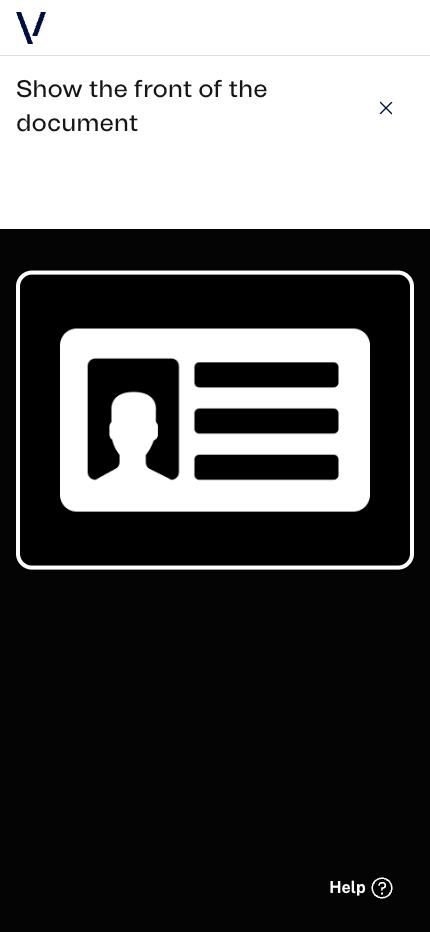
Video document obverse capture
| Screen |
 |
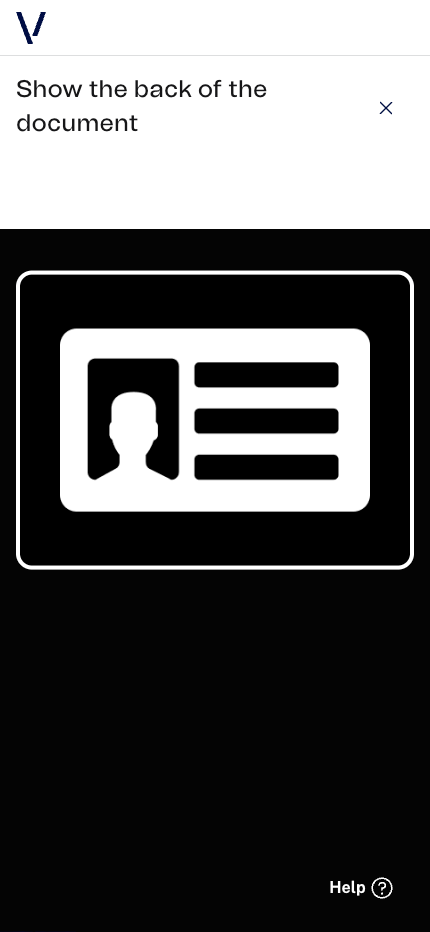
Video document reverse capture
| Screen |
 |
Video modals
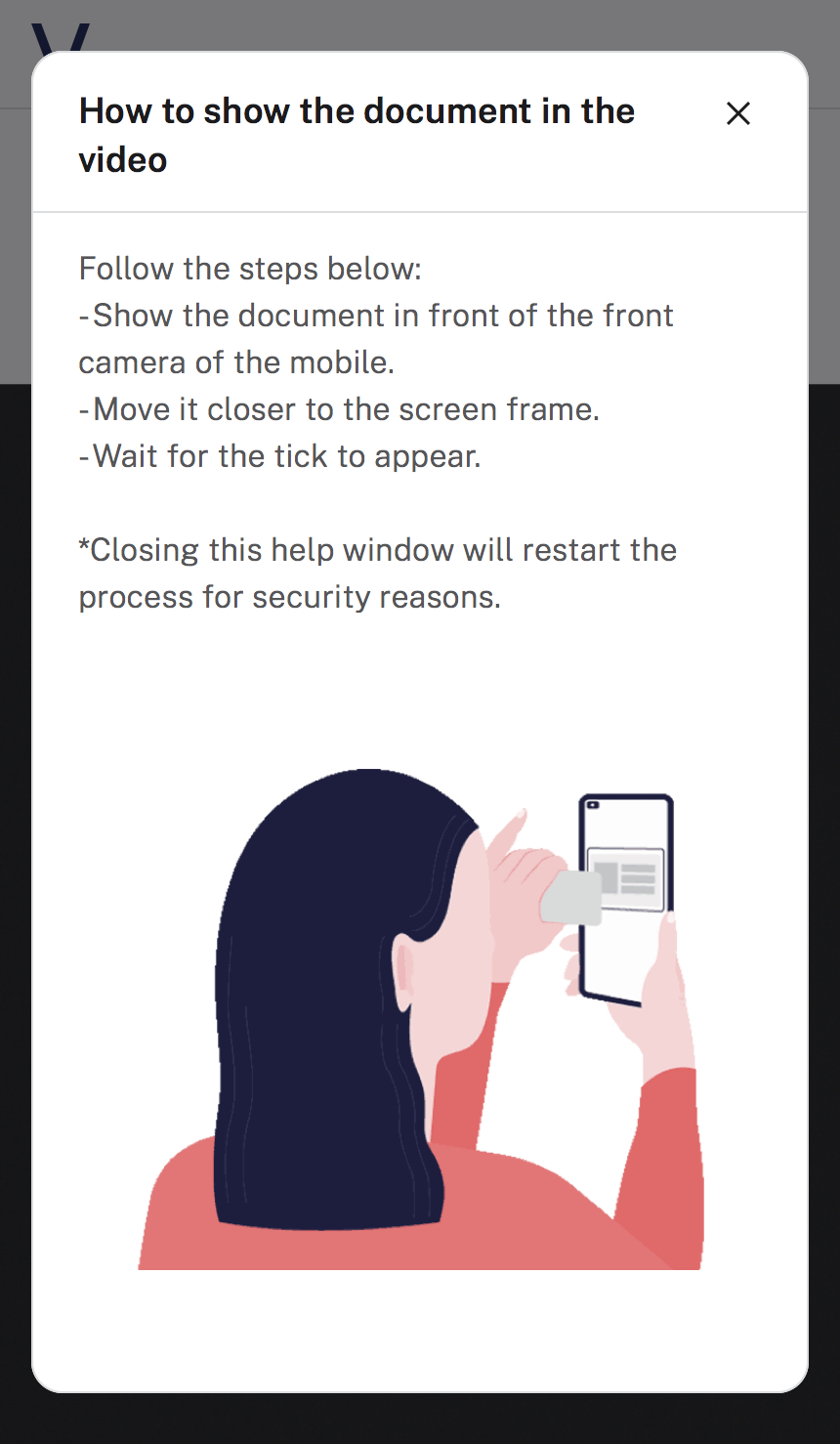
Document capture help
| Screen |
 |
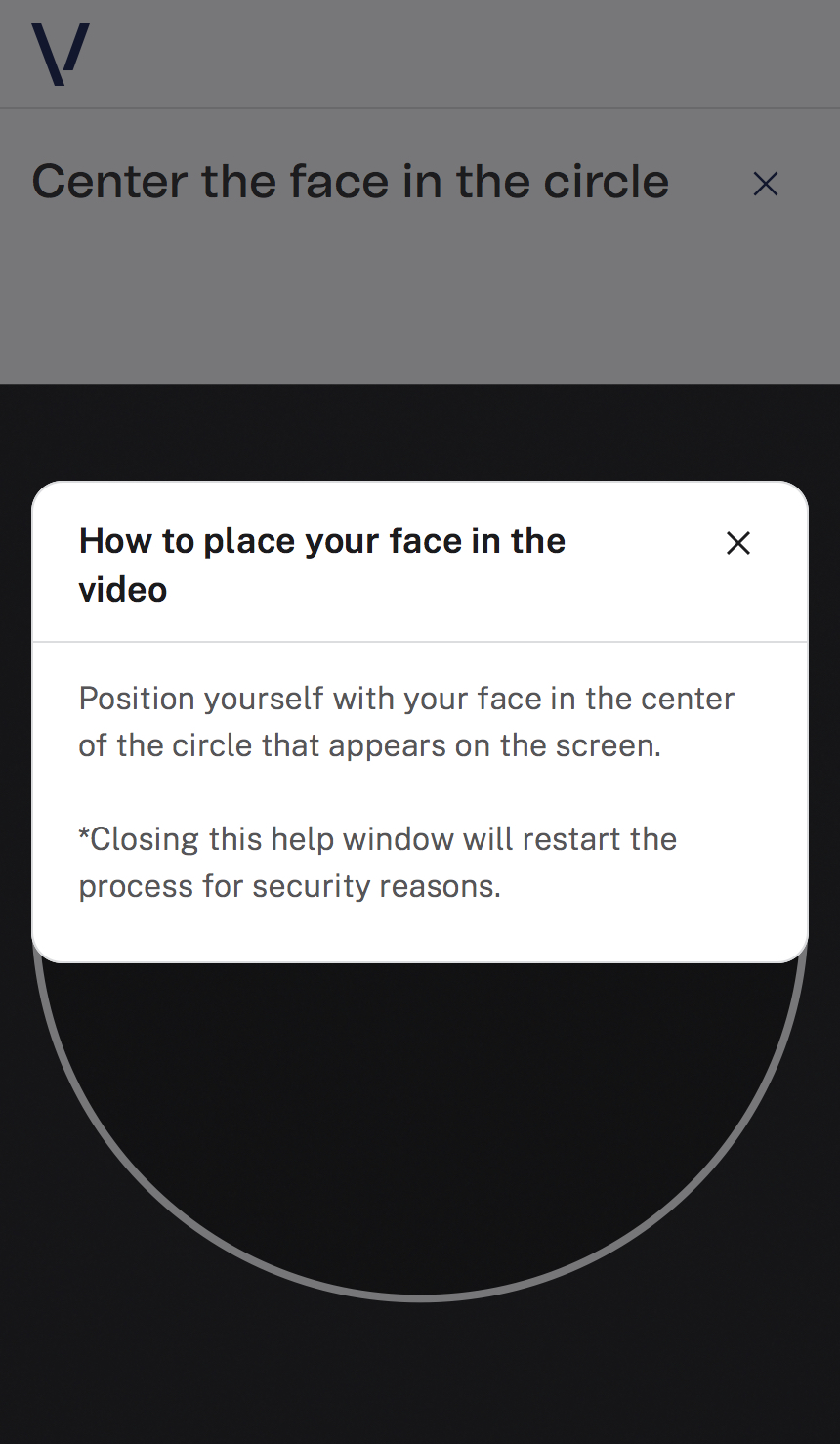
Selfie capture help
| Screen |
 |
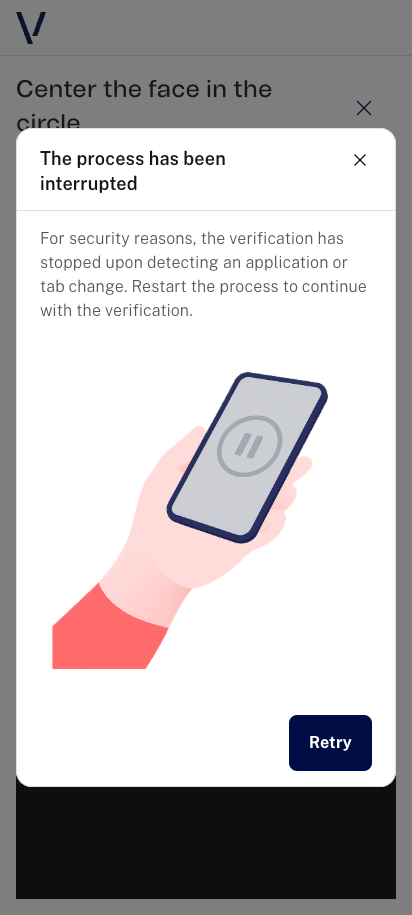
Video focus error
| Screen |
 |
Process results
Success
| Screen |
 |
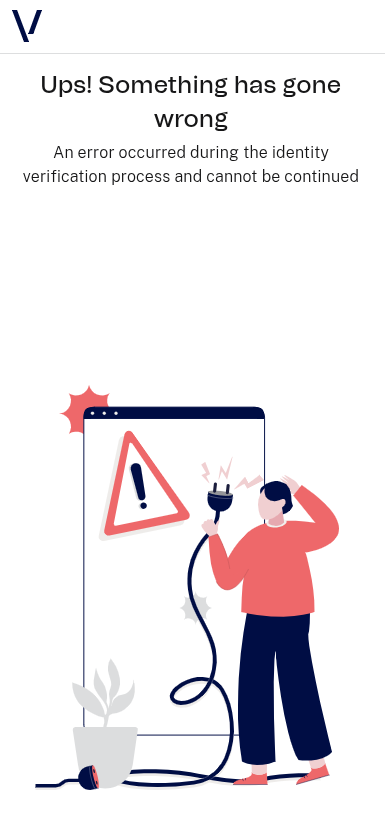
Error
| Screen |
 |
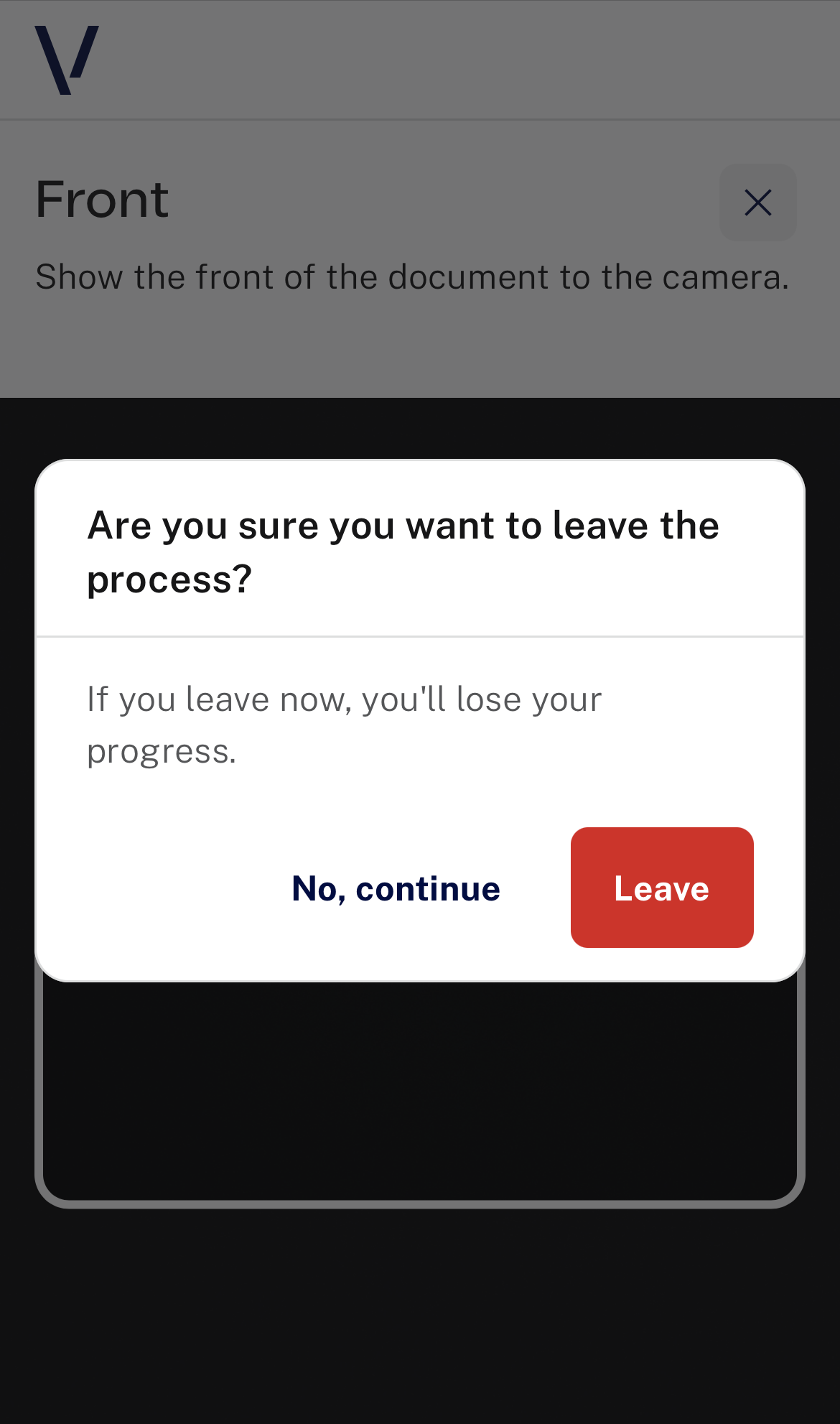
Exit confirmation modal
This modal can appear on any screen of the process. It is displayed when the user attempts to cancel, either by clicking the "X" button or selecting "Cancel" in the instructions. It serves as a confirmation dialog, asking the user to confirm if they really want to exit the process, thereby preventing accidental cancellations.
| Screen |
 |